Prompting frameworks and how they work
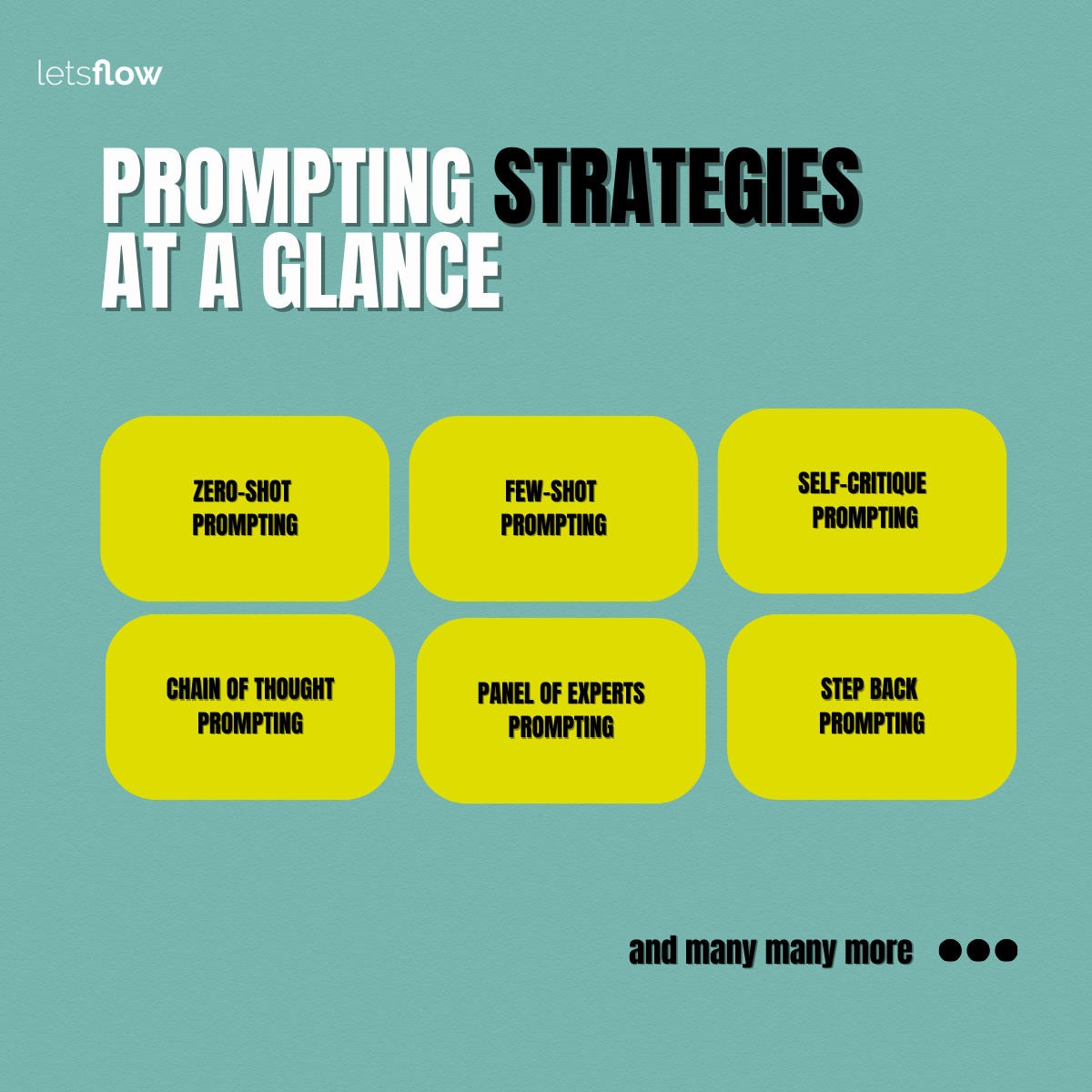
About prompting strategies at a glance
One hot question 🌶️ I get frequently during Copilot classes is:
How can I avoid this extremely confident incorrectness from Copilot?
- Does it help to use tricks like "you are a Microsoft 365 expert..."?
- Does it help asking for self-critique ?
- Or what helps?
My answers:
- Yes
- Yes
- And, prompting strategies help.
Through prompting strategies you can set guardrails for the model to behave the way you need it, so it can generate more accurate and relevant responses for you.
‼️ One thing you should keep in mind: AI generated responses may be wrong or confidently incorrect, even if you prompted well.
Here's where your expertise. Your common sense. You querying diverse sources. And your critical thinking plays an important role.
Why prompting strategies:
- They reduce hallucinations
- They improve accuracy and relevance
- They enhance clarity and structure
- They communicate the expected results clearly
Prompting Strategies
ZERO-SHOT prompting
This is when you ask Copilot to perform a task without any examples or context. Zero-shot prompts are perfect to use via Copilot voice chat. You can easily ask questions to Copilot by holding the keyboard short WIN + C.
- When to use it: For quick tasks, general queries, or whenever you are in a hurry.
- An example: Correct the grammar of this <text>
FEW-SHOT prompting
Provide a few examples or context to guide Copilot’s behavior.
- When to use it: When you need to consistent output, style, or format
- Am example: Here are 3 examples of scripts. Create a new script following the tone, style, and format.
SELF-CRITIQUE prompting
Also known as reflexive prompting. Ask Copilot to critique is own output.
- When to use it: For refining drafts or improving the response quality iteratively.
- An example: Asses if the message aligns with our tone of voice and address user concern.
CHAIN OF THOUGHT prompting
Encourage step-by-step reasoning before answering.
- When to use it: For complex problems, logic puzzles, or math.
- An example: What is 17x23? Think step by step
PANEL OF EXPERTS prompting
Ask Copilot to simulate multiple expert perspectives to solve a problem.
- When to use it: Powerful to reduce bias. Useful for problems where you need diverse perspectives.
- An example: Imagine you're a panel of experts: a change manager, a M365 admin, and a communications lead. Each expert should give their perspective on how to roll out Copilot in a large organization.
STEP BACK prompting
Ask Copilot first a more general version of your question before asking the final question.
- When to use it: Great for strategic planning and complex problem solving. Simply use it when you suspect Copilot might hallucinate or guess due to lack of direct input.
- An example: Prompt first asking: What are the main considerations for effective email marketing? Then prompt: Great! Based on that, how should I optimize my particular email campaign?
Here you can download my Prompting Strategies e-book.